
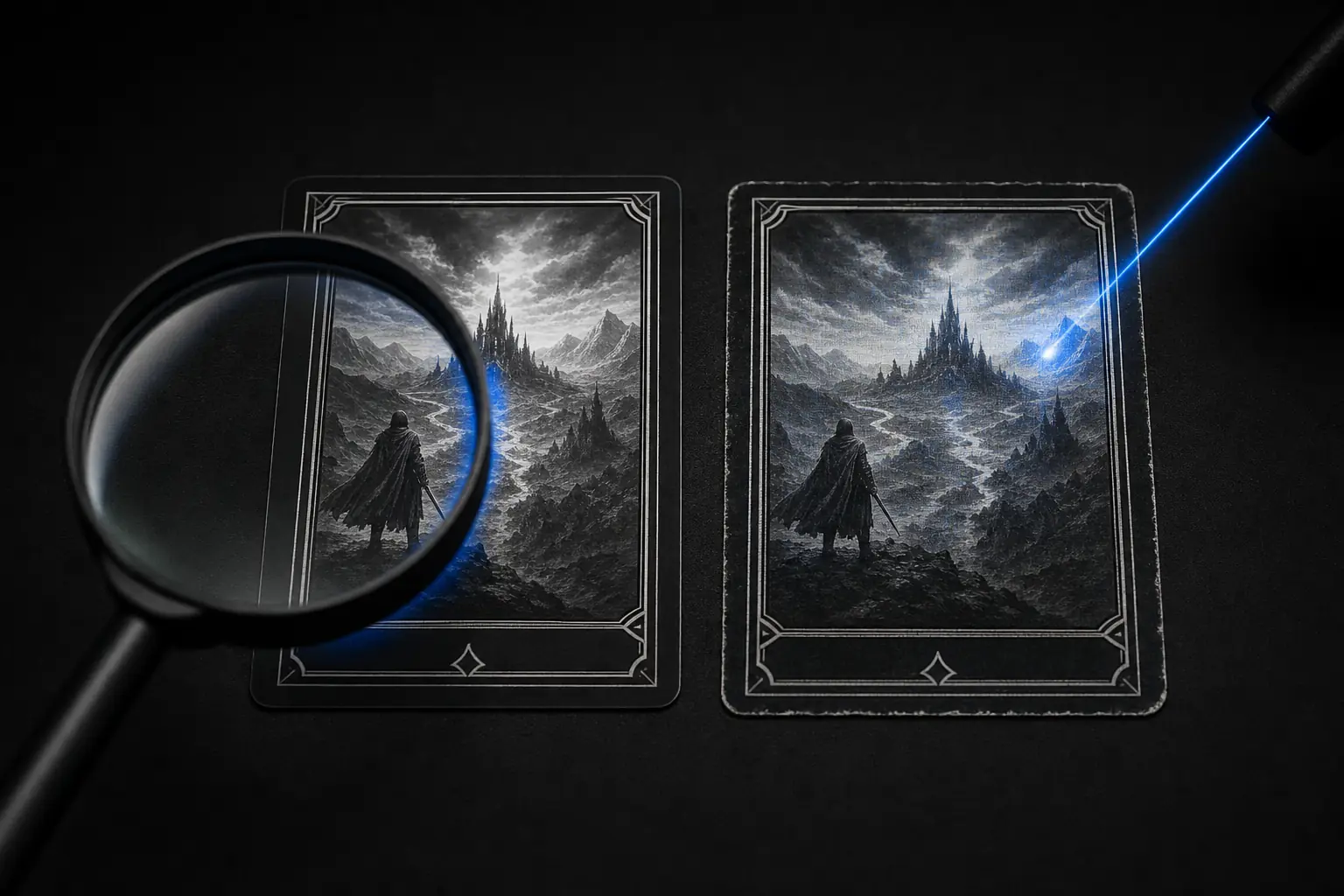
Why collectors examined the playtest cards
The Alpha Playtest Pokémon cards were presented as prototypes from the game’s early development. In fern’s account, investigators examined repeated marks on card scans and interpreted them as evidence of modern printing. The film recounts the investigation. A conclusion about an individual card depends on the original scan, how the pattern was interpreted, and the provenance of that specimen.
A seller’s paperwork and a slab label can help trace a claim. When new physical evidence conflicts with that claim, review the original images, the chain of ownership, and the grading company’s response. For ordinary cards, start with the guide to spotting counterfeit warning signs.
What machine identification codes are
Some colour printers have been documented adding tiny, repeated yellow marks. These patterns are often called machine identification codes, or MIC. The Electronic Frontier Foundation documented examples where patterns could encode information such as a printer serial number and a print date. Patterns and capabilities vary by printer.
Yellow ink can have a lower blue response than the light paper around it. Isolating and boosting the blue channel can make faint marks easier to see. Shadows, regular printing and camera processing can create similar-looking detail. A visual filter can help you inspect the marks.
Try the blue-channel printer dot filter
Choose a sharp scan or close-up of a relatively plain, light area. Compare the same region in both views before interpreting a repeated mark. The standalone printer dot checker includes a checklist for judging image quality.
Inspect a photo for yellow marks
Choose a sharp close-up of a light area. The photo stays on this device. Compare the original with the enhanced blue channel. Both views move together.
This view highlights differences in blue response. Foil, ink and glare can all create marks. A visible or missing pattern cannot establish whether the card is genuine.
What to verify before a high-value purchase
Ask for original front and back photos, angled close-ups, and the seller’s explanation of how they acquired the card. Compare the same printing under magnification. If a card is slabbed, look up the certification number and compare the grading company’s description and photos with the listing. A copied number can produce a valid lookup, so check the card and holder too.
Keep a record of any unanswered questions. If the price depends on an unusual provenance claim, seek an independent specialist before paying. Our card-show buying checklist covers practical checks you can use at the table.